
Finding a business is often the beginning of a discovery. There may be a story worth reading, a community update worth knowing or an announcement that changes what you choose to explore next. Softwinz’s Local Pulse brings a space for those stories into the directory experience.
The latest update introduces a dedicated News section, featured-story controls for administrators and an interactive Local updates popup on the All Businesses page. Together, they connect business discovery with updates selected by the site’s team.
More than a list of places
A directory answers a practical question: where can I find the business or service I need? News adds another layer. It can introduce readers to developments, announcements and local stories they might not have been searching for—but still want to discover.
The Softwinz News section gives these updates a home of their own. Readers can browse published stories and open an individual article when a headline catches their attention. News is also accessible from the website navigation and the owner dashboard.
This creates another route through the platform. You can begin with a directory search and move into a story, or begin with the News section and continue exploring the businesses listed on the site.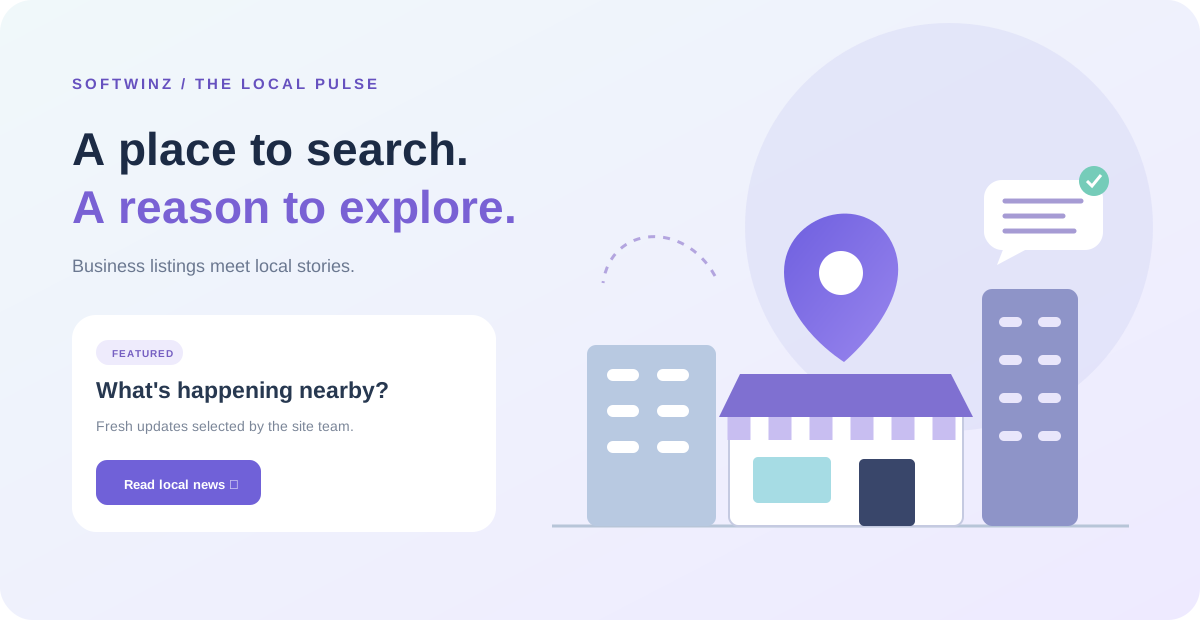
A neighbourhood illustration with something to open
On the All Businesses page, a custom SVG neighbourhood illustration sits within the directory’s hero area. Shops, buildings and a location marker give the space a local-discovery theme.
The illustration is paired with a Local updates button. Select it and a popup opens with featured stories, giving you a quick look at what the site’s team has chosen to highlight. You can scan a headline and summary before deciding to read more.
The popup stays within the directory page until you choose a story or open the full News section. If you want to continue your original search, close it and return to browsing. It is an invitation to explore at your own pace.
Featured by the team, refreshed when opened
Administrators can publish a news story, add an optional city or locality label, and mark it as featured. These controls help the team organise updates and choose which stories receive priority in the popup.
When no featured stories are available, the popup falls back to recent published news. It also refreshes its news when opened, so readers can see newly published updates without relying only on the stories loaded with the page.
Only published, non-password-protected stories appear in this public news display. Drafts remain outside the reader-facing popup while the team prepares them.
Make room for your next discovery
A useful platform gives you more than one way to find something relevant. Softwinz now offers a direct route to business listings, a dedicated place for news and a small window into featured updates while you browse.
Try opening Local updates on your next visit to the directory. Read a story that interests you, explore the News page, or return to finding the service you need. Your next discovery may be a listing—or the story that encourages you to look a little closer.