
A name that feels like yours
Your display name is part of how you appear on the platform. A name entered quickly during registration may need a correction later. You may want your full name to appear instead of a shortened version, or you may simply need to fix a spelling mistake.
Through Account Settings, you can update your first and last names without opening WordPress administration screens. Saving these fields also updates your account’s display name, so your dashboard reflects the identity you have chosen.
The settings page keeps this task focused. Personal details have their own form, while password changes have a separate form. You can update your name without changing your password, or change your password without editing your profile details.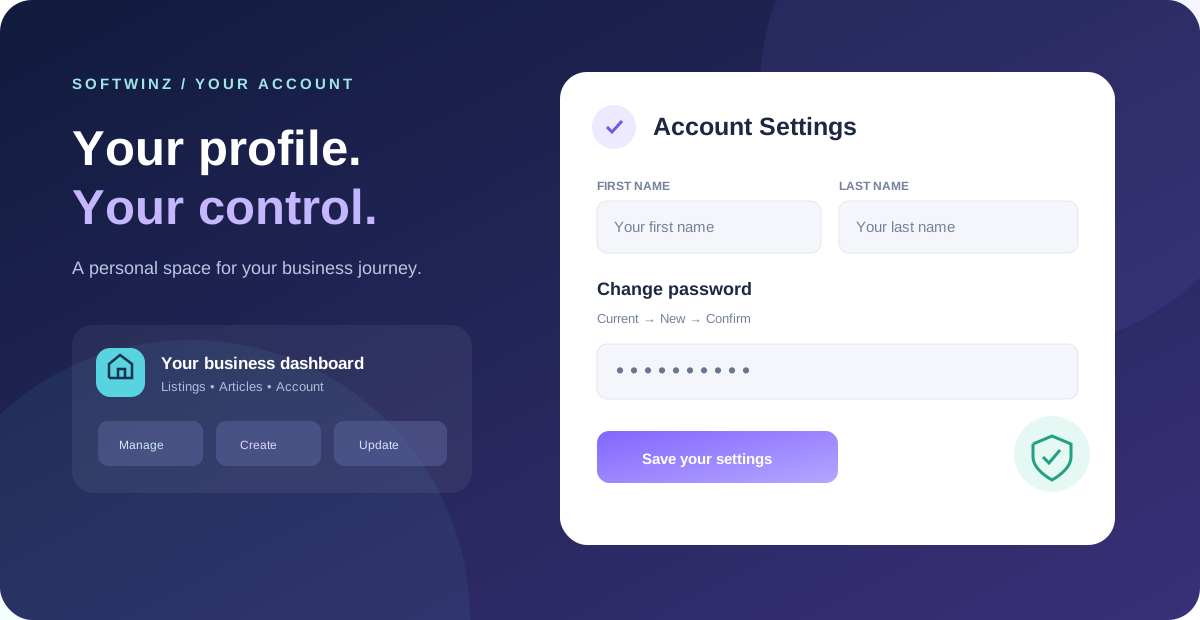
Three fields. A deliberate password change.
Changing a password should be easy to understand, with clear checks before anything is saved. Softwinz asks for your current password, your new password and a second entry confirming the new password.
The current password must be correct. The new entries must match, and the new password must contain at least eight characters and differ from the current one. If an entry needs attention, the form explains what to correct rather than silently saving an incomplete change.
After a successful password update, you are signed out. Your next visit starts with a fresh sign-in using the new password. This makes the change explicit: you know which credentials to use when you return.
Your workspace stays familiar
Account Settings is part of the broader Softwinz owner dashboard. Regular directory users manage their own listings and articles through this frontend workspace, while administrators use their separate administration tools.
That means a simple profile update does not require learning a different interface. From the dashboard sidebar, choose Account Settings, make your change and return to your usual work. The same account can support a business listing today and an article sharing your expertise tomorrow.
A useful next step for existing users
If you already have a Softwinz account, take a moment to check how your name appears. Is it complete? Is it spelled correctly? Does it represent how you want readers and customers to recognise you?
A few careful updates can make your workspace feel more personal and easier to return to. Start with your account details, then continue building the business profile or article you came to create.
Update your account settings → Return to your dashboard
New to Softwinz? Create your account. Already registered? Sign in here.